
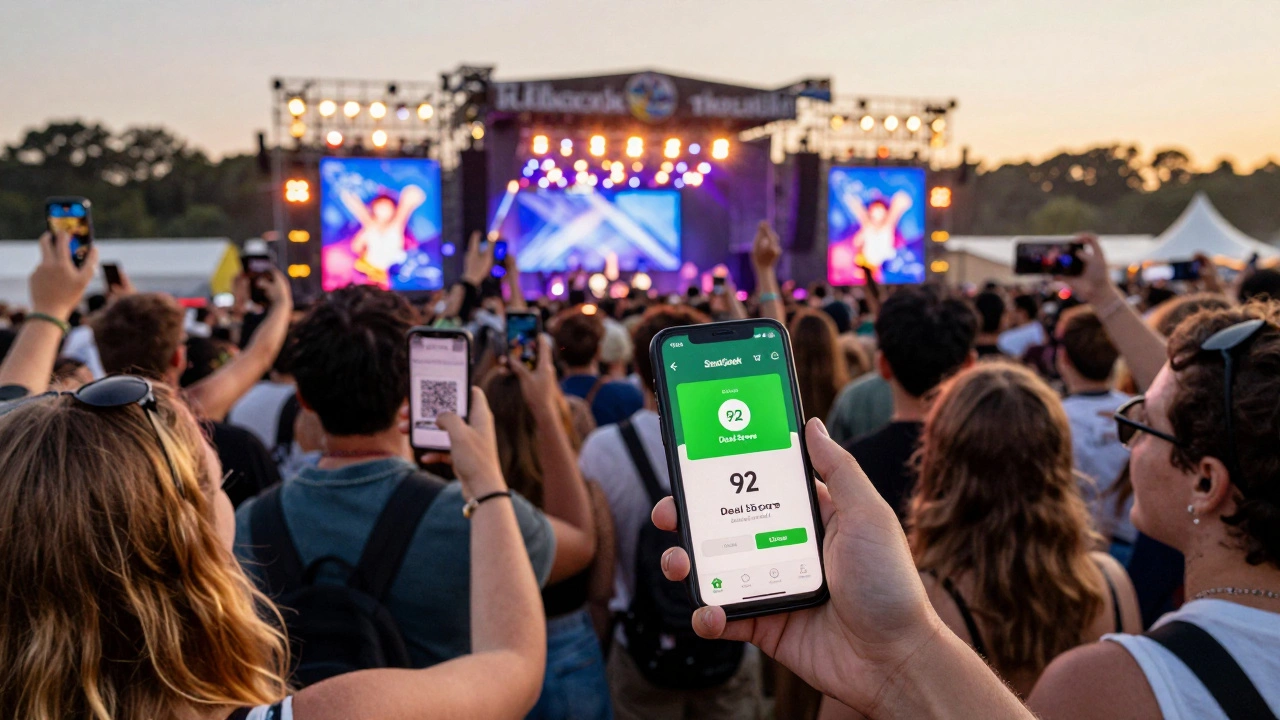
Yes, you can buy festival tickets on SeatGeek - and for many people, it’s become the go-to platform for everything from music festivals to food and culture fests. Whether you're chasing the next big headline act at Coachella, dancing through a summer jazz fest in Melbourne, or hunting for indie film screenings at Sundance, SeatGeek handles it all. But it’s not just about finding tickets. It’s about knowing how the system works so you don’t overpay, get scammed, or miss out because you waited too long.
How SeatGeek Gets Festival Tickets
SeatGeek doesn’t own tickets. It doesn’t print them or host the events. Instead, it acts like a marketplace - a digital swap meet where sellers list tickets they already have. That includes fans who changed plans, resellers who bought in bulk, and even official venues that partner with SeatGeek to move unsold inventory. This mix means you’ll often see multiple prices for the same spot, sometimes even the same day.
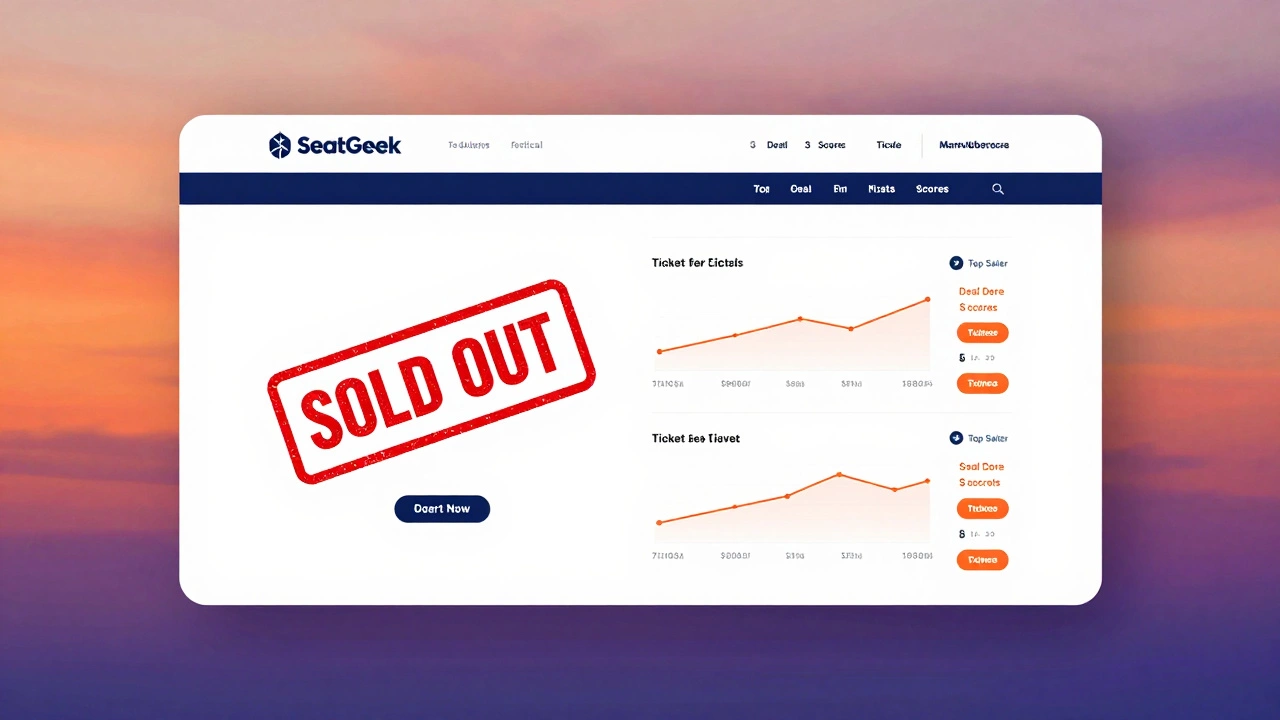
For festivals, this is huge. Big events like Lollapalooza, Burning Man, or even local ones like Splendour in the Grass sell out fast. When that happens, the official site goes dark. But SeatGeek? It stays open. That’s because tickets are still circulating in the secondary market. People who bought early and now can’t go list them. Others buy them hoping to flip for profit. SeatGeek connects the two.
What You’ll See When You Search
Go to SeatGeek.com and type in your festival name - say, “Falls Festival” - and you’ll get a list of dates, venues, and ticket types. But here’s what most people miss: the Deal Score. That little green number next to each listing? It’s SeatGeek’s algorithm rating how good the price is compared to average market value. A 90+ Deal Score means you’re getting a solid deal. A 50 or below? You’re paying more than most people did. It’s not perfect, but it’s way better than guessing.
You’ll also see different ticket types: General Admission, VIP, Platinum, and sometimes even “Meet & Greet” bundles. Some sellers bundle parking passes or merch. Others sell single-day passes when the festival only sold multi-day tickets. That’s a lifesaver if you only want to go for Saturday.
Prices: Why Are They So High Sometimes?
Yes, tickets on SeatGeek can cost more than face value. Sometimes a lot more. That’s because demand spikes. If a last-minute headliner is announced, or if the weather forecast looks perfect, prices jump. It’s basic economics - if 10,000 people want 500 tickets, the price goes up.
But here’s the flip side: you can also find discounts. If a festival is two months away and sales are slow, sellers drop prices to move tickets. Or if someone’s sick and needs cash fast, they’ll slash their price. SeatGeek’s price history graphs show you exactly how prices have moved over time. If a ticket was $180 last week and now it’s $120? That’s your sign to move.
How to Buy Safely
SeatGeek guarantees every ticket. That means if the ticket doesn’t work, they refund you. No ifs, ands, or buts. That’s their big promise - and it’s why people trust them over random Facebook groups or shady resellers. But you still need to be smart.
- Always buy through SeatGeek’s checkout - never outside the app or site.
- Check the seller’s rating. Look for “Top Seller” badges - those are verified by SeatGeek.
- Read the fine print: Is it a mobile ticket? Can it be transferred? Is it for a specific section or just “general admission”?
- Don’t rush. Wait 24-48 hours after tickets go on sale. The first wave is usually the most expensive.
One real-world example: In 2025, someone bought a two-day pass to the Meredith Music Festival on SeatGeek for $195. The original face value was $170. But they got a Deal Score of 88, and the seller was a Top Seller with 1,200+ positive reviews. The ticket worked perfectly. They got in, had a great time, and didn’t lose a cent.
When SeatGeek Isn’t the Best Choice
There are times you’re better off going direct. If the festival is small, local, or run by a community group, they might sell tickets only through their own site or a local box office. SeatGeek won’t have them. Same goes for free events - if there’s no price, there’s no listing.
Also, if you’re buying tickets less than 48 hours before the event, SeatGeek might not have many options left. And if you’re looking for group discounts, official sites often offer them - SeatGeek rarely does.
For big, national festivals - especially ones that sell out in minutes - SeatGeek is your best backup. For tiny local events, check the official website first. Then check SeatGeek. If it’s there, great. If not, you didn’t miss much.
Mobile App vs. Website
Most people use the SeatGeek app. It’s faster, easier to navigate, and sends push alerts when prices drop. You can scan tickets right from your phone at the gate. But the website gives you more tools - like the full price history chart, better filters, and clearer seller details.
Pro tip: Download the app, but do your heavy searching on desktop. Then buy on mobile if you’re on the go. You get the best of both.
What Happens After You Buy
Once you pay, you’ll get an email with your ticket. Most are digital - sent as a PDF or linked to your SeatGeek account. Some festivals require you to link them to a specific app, like Ticketmaster or AXS. SeatGeek will tell you exactly what to do.
You can transfer tickets to friends through the app. Just tap “Transfer,” pick the person, and send. They get a notification and can accept it. No need to meet up. No printing. No risk of losing paper.
And if something goes wrong? SeatGeek’s customer service is actually responsive. They reply within 12 hours on weekdays. You don’t need to wait days like with some other platforms.
Alternatives to SeatGeek
SeatGeek isn’t the only option. StubHub is bigger, but often more expensive. Ticketmaster’s resale section is tied to official events, so it’s more limited. Vivid Seats has a similar model but fewer festival listings. For Australian festivals, Viagogo used to be popular - but it’s been shut down in Australia since 2024 due to legal issues.
For local events, try Eventbrite or the festival’s own site. For international ones, Ticketmaster or AXS might be your only route. But for the broadest selection - especially for sold-out festivals - SeatGeek still wins.
Final Advice: When to Buy
Here’s the simple rule: If the festival is under 3 months away and tickets are still on sale, buy direct. If it’s sold out or less than 2 weeks away, go to SeatGeek. And if you’re flexible on dates or days, wait. Prices often drop in the final week as sellers panic to move tickets.
Set up price alerts on SeatGeek. It’s free. You’ll get a text or email when your desired ticket drops below your target price. That’s how savvy buyers save hundreds.
Festival season isn’t just about the music or the food. It’s about the planning. And with SeatGeek, you’ve got the tools to cut through the noise, avoid scams, and get in - without paying double.
Can you really trust SeatGeek to sell festival tickets?
Yes. SeatGeek guarantees every ticket. If it doesn’t work, they refund you. They also verify sellers, show ratings, and only allow tickets that are transferable and scannable. It’s one of the safest places to buy resale tickets.
Why are SeatGeek festival tickets sometimes more expensive than the face value?
When tickets sell out, they enter the secondary market. Demand drives prices up. If a popular artist is added last-minute or the weather looks perfect, more people want tickets. Sellers raise prices to match that demand. SeatGeek’s Deal Score helps you spot fair prices.
Can I transfer my festival tickets bought on SeatGeek to someone else?
Yes. Most festival tickets bought on SeatGeek are digital and fully transferable through the app. Just open the ticket, tap "Transfer," enter the recipient’s email, and they’ll get a notification. No printing or meeting up needed.
Do I need to create an account to buy on SeatGeek?
Yes. You need a free SeatGeek account to buy or transfer tickets. It lets them track your purchase, send your tickets, and handle any issues. You can sign up with email, Google, or Apple.
Are there fees when buying on SeatGeek?
Yes. SeatGeek adds a service fee on top of the ticket price. It’s usually 10-20%, depending on the event. The total cost is shown upfront before you pay - no hidden charges. Compare the final price with the face value to see if it’s worth it.
What if the festival gets canceled after I buy on SeatGeek?
If the festival is canceled, SeatGeek issues a full refund automatically. You don’t need to request it. The refund goes back to your original payment method within 5-10 business days. If it’s postponed, they’ll let you know your options - usually keep the ticket or get a refund.