
VR Safety Check
This tool helps you assess your VR habits against safety guidelines from the article. Answer the questions below to identify potential risks and get personalized recommendations.
Virtual reality can feel like magic. You put on a headset, and suddenly you’re standing on Mars, fighting dragons, or shaking hands with a dinosaur. But for all its wonder, VR also has a dark side-if you do things wrong, it can ruin your day. Not just the experience, but your body too. You might end up dizzy, nauseous, or even hurt yourself because you didn’t know what to avoid. This isn’t about being scared of tech. It’s about respecting the space you’re stepping into.
Don’t ignore the play area
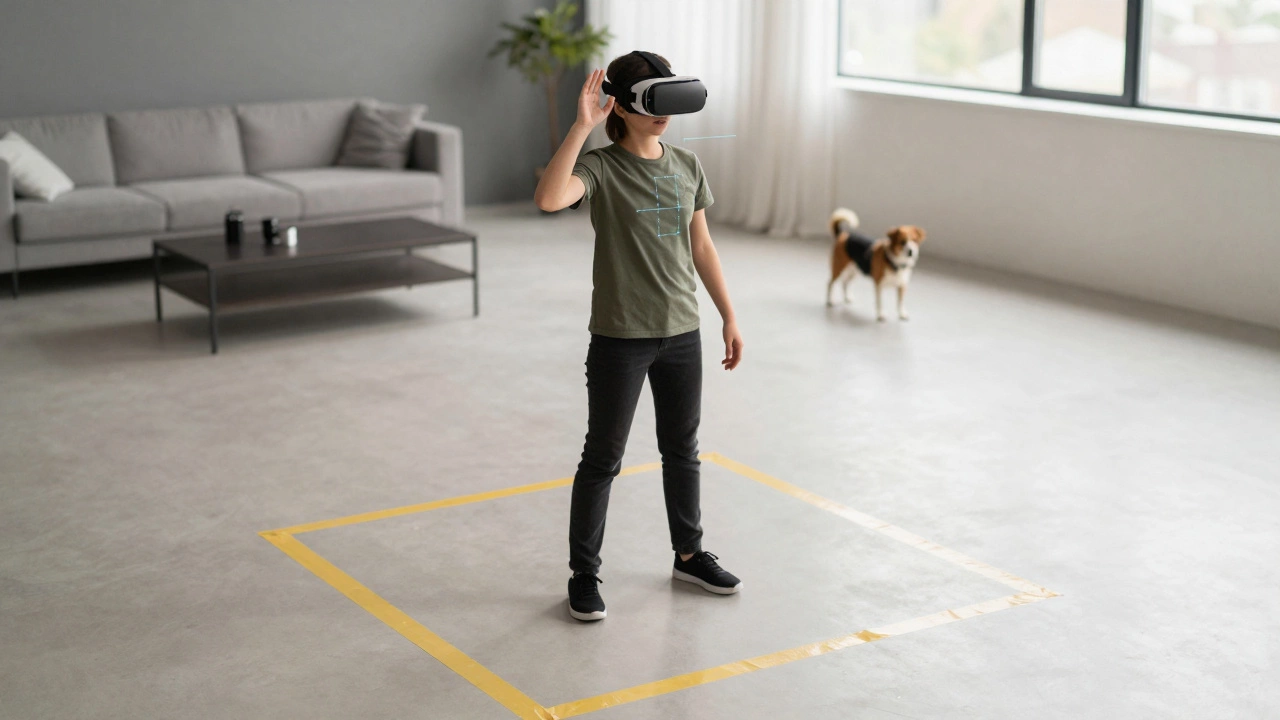
One of the most common mistakes? Thinking the virtual world is limitless, so you don’t need to clear the real one. You’ve seen those videos-people swinging swords in VR, jumping around like they’re in a movie. But real walls, coffee tables, and pets don’t care if you’re in a fantasy realm. In 2024, the Consumer Product Safety Commission reported over 2,300 VR-related injuries in the U.S. alone. Most were from tripping, bumping into furniture, or falling. Always set up your play area properly. Use the boundary system on your headset. Mark off a 3x3 meter space with tape or cones. Keep the floor clear. Remove cords, toys, and anything that could become a hazard. If you’re using a standalone headset like the Meta Quest 3, don’t skip the guardian setup just because it’s annoying. It’s there to keep you from smashing your face into a bookshelf.Don’t play for hours without breaks
It’s easy to lose track of time. You’re in a cool world, your heart is racing, and suddenly two hours have passed. But your eyes, brain, and inner ear aren’t built for that. Extended VR sessions can cause eye strain, headaches, and motion sickness. The human vestibular system-your balance system-gets confused when your eyes see movement but your body doesn’t feel it. This mismatch is why some people feel nauseous after just 15 minutes. Experts recommend the 20-20-20 rule: every 20 minutes, take a 20-second break, look at something 20 feet away. Even better: step out of the headset every 30 to 45 minutes. Walk around. Blink. Drink water. Don’t treat VR like a marathon. It’s a sprint with rest stops.Don’t use VR if you’re prone to motion sickness
If you get car sick, sea sick, or dizzy in elevators, VR might not be for you-at least not yet. Not everyone reacts the same way, but studies show that people with a history of motion sensitivity are three times more likely to have bad reactions in VR. That doesn’t mean you can’t try it. Just be smart. Start with short sessions-five to ten minutes. Choose experiences with stationary viewpoints, like museum tours or photo walks. Avoid fast movement, teleportation, or rollercoaster sims until you know how your body responds. Some headsets now have built-in comfort modes that reduce motion blur or add a virtual nose to anchor your vision. Use them. Don’t push through nausea. It doesn’t get better with practice for everyone. For some, it gets worse.Don’t wear glasses under your headset
If you wear corrective lenses, you might think putting your glasses on under the headset is fine. It’s not. Most VR headsets aren’t designed for that. The pressure can cause discomfort, headaches, or even damage your glasses. The lenses inside the headset are positioned for uncorrected vision. If you’re nearsighted or farsighted, you’ll likely need to adjust the IPD (interpupillary distance) setting. But that’s not enough. Many headsets, like the Apple Vision Pro and Meta Quest Pro, now support prescription lens inserts. You can order custom lenses that snap into the headset. If yours doesn’t, consider VR-compatible contact lenses. Or, if you’re only mildly nearsighted, try adjusting the headset’s diopter settings. Don’t just jam your glasses in and hope for the best. It’s a recipe for pain.
Don’t play VR while tired or under the influence
You’ve had a long day. You’re exhausted. You think, “Just one quick game.” Bad idea. Fatigue makes your brain less able to process conflicting signals from your eyes and inner ear. That means motion sickness hits harder and faster. The same goes for alcohol, marijuana, or even strong painkillers. These substances affect your balance, coordination, and perception. VR already overloads your senses. Add a chemical on top, and you’re asking for trouble. I’ve seen people try to play Beat Saber after a few beers. They end up on the floor, headset askew, confused about where the floor even is. Don’t be that person. Use VR when you’re alert, well-rested, and sober. It’s not just about safety-it’s about enjoying the experience.Don’t ignore audio cues
VR isn’t just visual. Sound is half the immersion. Many users turn off spatial audio because they think it’s unnecessary or they’re using cheap earbuds. That’s a mistake. Spatial audio tells you where things are in the virtual world. A zombie growling behind you? A bird flying overhead? That’s not just cool-it’s survival. In horror games, escape rooms, or combat sims, audio cues can save your life (or at least your sanity). If you’re using built-in headset speakers, make sure they’re clean and functioning. If you’re using headphones, get ones that fit snugly. Poor audio breaks immersion and makes you feel disoriented. It also increases cognitive load. Your brain has to work harder to figure out what’s happening. That leads to fatigue. Don’t underestimate sound. Treat it like part of the hardware.Don’t use VR as a substitute for real movement
Some people think VR is a workout. And yes, some games like Supernatural or FitXR can get your heart rate up. But most VR experiences are sedentary. You’re standing in place, moving your arms, but your legs? Not so much. That’s fine if you’re playing for fun. But if you’re using VR to avoid exercise, you’re setting yourself up for problems. Muscle stiffness, poor posture, and even deep vein thrombosis have been reported in people who sit or stand still for hours while immersed. Don’t let VR become your new couch. Schedule real movement. Stretch your legs. Walk around the house. Do a quick set of squats between sessions. VR should enhance your life, not replace it.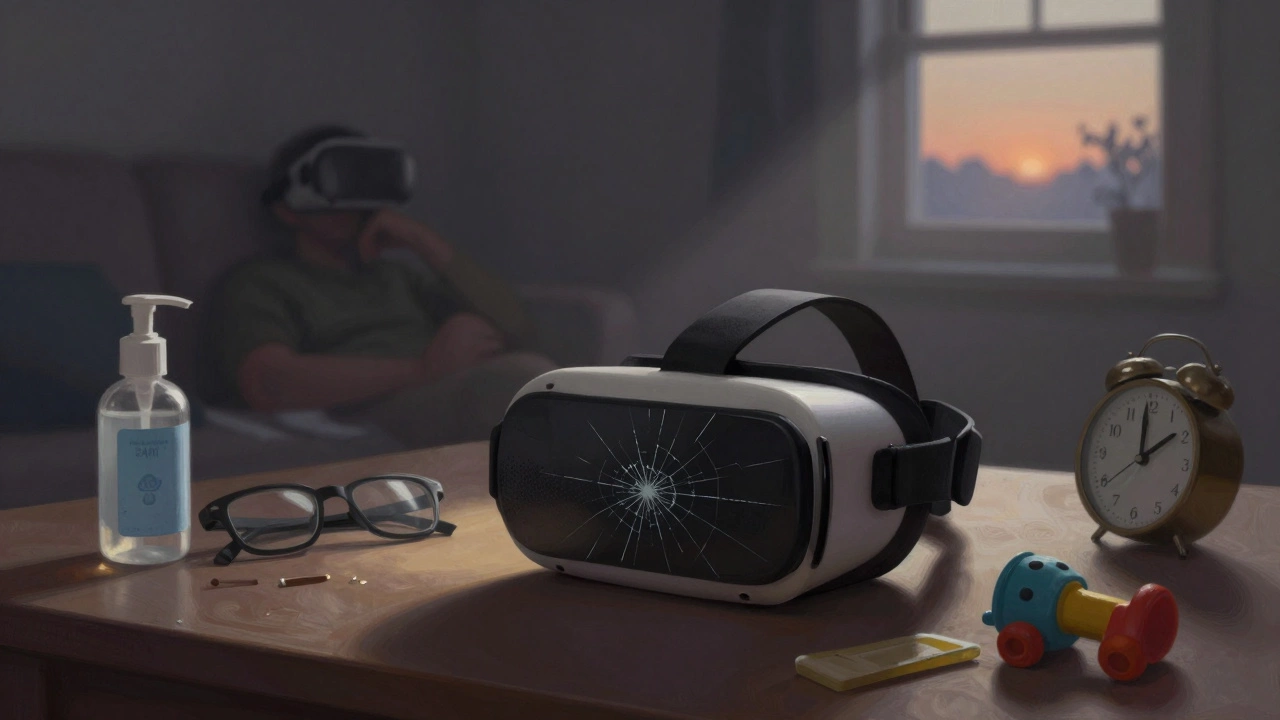
Don’t share headsets without cleaning them
You borrowed a friend’s headset. Your kid tried it out. You rented one at a mall. All fine-until you realize no one cleaned it. VR headsets sit against your face. They collect sweat, oils, dead skin, and bacteria. In 2023, a study from the University of Melbourne found that 68% of shared VR headsets had levels of Staphylococcus aureus higher than hospital-grade safety standards. That’s not a joke. Skin infections, acne, and even eye irritation can follow. Always wipe down the face cushion and lenses before and after use. Use alcohol-free wipes designed for electronics. If you’re sharing with others, consider buying disposable face covers. They’re cheap, effective, and worth the peace of mind.Don’t expect perfection on day one
The first time you use VR, you might feel like you’re in a glitchy demo from 2015. The visuals might be blurry. The controls might feel awkward. You might get dizzy. That’s normal. The tech is still evolving. But your expectations shouldn’t be. Don’t judge VR based on your first 10 minutes. Try different games. Switch from room-scale to seated experiences. Adjust brightness, refresh rate, and motion smoothing settings. Some headsets let you tweak the field of view. Experiment. VR isn’t a one-size-fits-all experience. What works for someone else might not work for you. Give it time. And if after several tries it still feels off? Maybe it’s not for you. And that’s okay.Don’t forget the real world exists
This might sound obvious, but it’s the most important thing. VR is a tool. Not a replacement. It’s great for learning, connecting, and escaping. But it’s not a life. Don’t skip meals. Don’t ignore phone calls. Don’t let your kids play unsupervised for hours. Don’t forget to look up from the headset and see the people around you. The magic of VR isn’t in how deep you can go-it’s in how well you can come back.Can VR make you sick even if you’ve never had motion sickness before?
Yes. VR can cause motion sickness in anyone, even if they’ve never had it before. It’s not about your past- it’s about how your brain handles conflicting signals. Your eyes see movement, but your body doesn’t feel it. That mismatch confuses your nervous system. Start slow, use comfort settings, and take breaks. If you feel queasy, stop immediately. Don’t push through it.
Is it safe to use VR if I have epilepsy?
Many VR experiences use flashing lights, rapid scene changes, or strobing effects that can trigger seizures in people with photosensitive epilepsy. Most headsets now include warnings, but you should still check each game or app for seizure risk notices. Avoid anything with intense strobing or rapid color changes. Some platforms let you disable visual effects. If in doubt, consult your doctor before trying VR.
How long should a beginner spend in VR per session?
Beginners should limit sessions to 20-30 minutes at a time. After that, take a 10-15 minute break. This gives your eyes and inner ear time to reset. Gradually increase your time over several days as your body adapts. Don’t rush. VR is not a race.
Do I need a powerful PC to use VR?
Not anymore. Standalone headsets like the Meta Quest 3, Pico 4, and Apple Vision Pro don’t need a PC. They run everything on their own. But if you want the highest-quality graphics and access to PC VR games, then yes-you’ll need a powerful gaming PC with an NVIDIA RTX 3060 or better. For most users, standalone headsets are the easiest and safest place to start.
Can kids use VR safely?
Most manufacturers recommend VR headsets for ages 13 and up. Younger children’s eyes and depth perception are still developing, and prolonged use could affect visual development. Even for teens, limit sessions to 20 minutes and always supervise. Choose age-appropriate content. Avoid horror, intense action, or fast-paced games. Stick to educational or creative apps.